
The Setup
It was my Introduction to Human Computer Interaction class at Bukidnon State University — a major subject in our Bachelor of Science in Information Technology (BSIT) program.
Our instructor, Czarissa Louise Navidad, originally planned a Pitch Deck competition where groups would present their UI/UX projects in a full class event. Unfortunately, due to the tight schedule, the competition format got scrapped. Instead, she decided to review each group's pitch deck project directly.
My group had three members at first. But life happens — our third member ran into personal struggles and had to drop out. That left just two of us: me and my groupmate Miershan Cantiver.
We had a deal. Miershan would handle the major output for our other subject, Computer Programming 1, and I would handle everything for this one — the entire UI/UX project from start to finish.
The subject required three deliverables:
- A full Figma prototype — interactive, pixel-perfect
- A case study PDF — published on Behance
- A video demo — walking through the prototype
I took all of it on. No backup. No splitting the work. Just me, the design tools, and a lot of late nights.
The Foresty Project
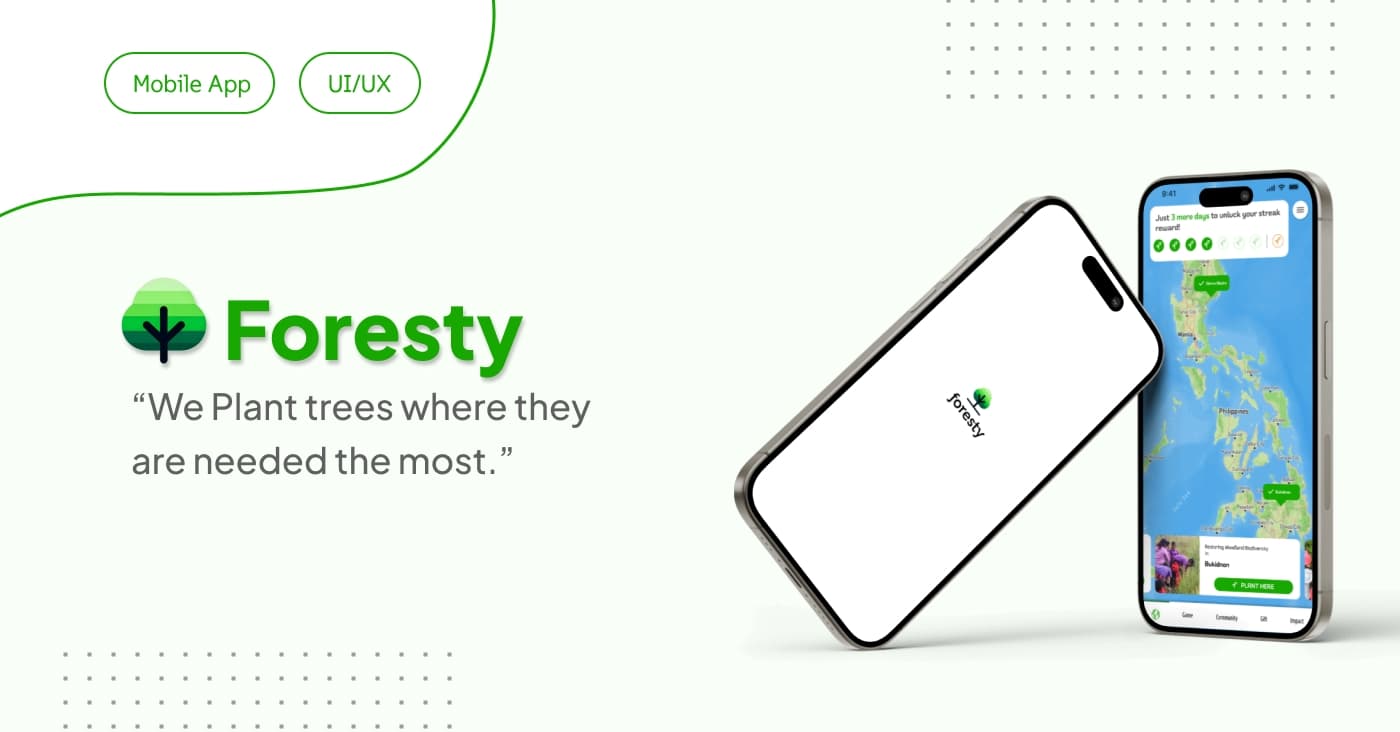
Foresty is a mobile app concept I designed from the ground up. The idea was to create a nature-focused digital experience — something that brought a sense of calm and connection to the outdoors through thoughtful UI/UX design.
Every screen, every interaction, every micro-detail was crafted in Figma. I wanted it to feel polished enough that you could imagine downloading it from the App Store tomorrow.
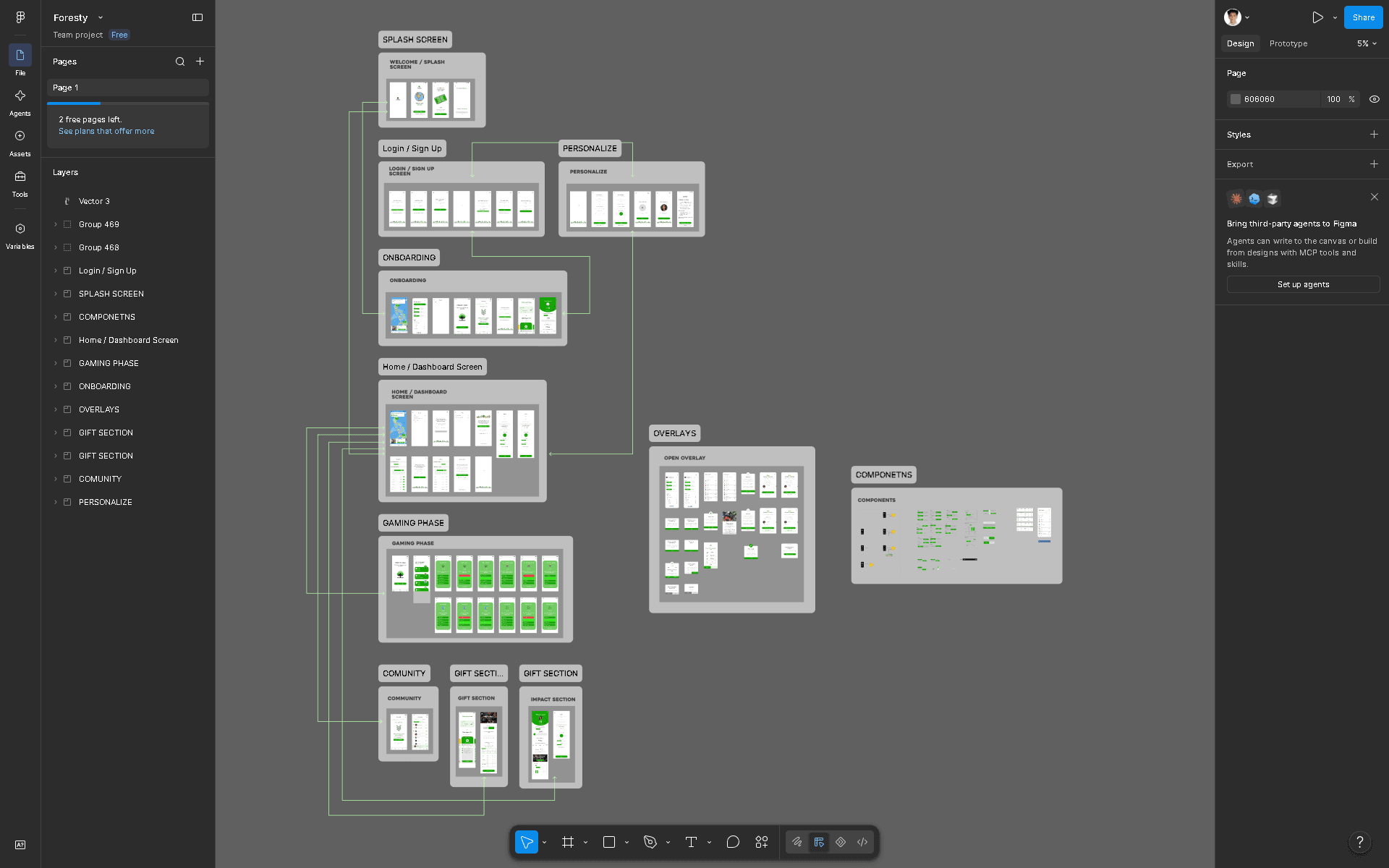
Click to open in Figma — Designing Foresty, the full interface showing the mobile app concept
The full interactive prototype is embedded below. Feel free to explore it right here on the page.
The Pitch Deck
When it was time to present, I walked through Foresty in front of our instructor. No audience of students — just me, the project, and the person who would grade it.
I showed the Figma prototype, walked through the user flows, explained the design decisions, and talked through the case study. Every element had a reason. Every screen had a story.
Looking back, I think what made the difference was the attention to detail. It wasn't just about making something that looked good — it was about making something that felt intentional. The colors, the spacing, the micro-interactions, the way each screen flowed into the next.
The case study PDF is embedded below. A full interactive version with deeper design breakdown is also available on Behance.
The Result
A little while later, grades came out.
I checked my grade in SIAS Portal. Flat 1.0. The highest possible grade.
But it wasn't just that I got a good grade. It was that I was the only student in the entire BSIT batch who got a flat 1.0 in that subject.
For a moment, I just sat there and let it sink in. All those late nights, all that time spent refining every pixel, every interaction, every detail — it paid off. I was proud. Really, genuinely proud.
This wasn't handed to me. I earned it.
Credits & Resources
I couldn't have done this without the people around me.
- Miershan Cantiver — My groupmate who handled Computer Programming 1 while I focused entirely on Foresty. Teamwork made it work.
- Czarissa Louise Navidad — Our HCI instructor, who taught us Fundamentals in UI/UX and Design - and create something meaningful.
And here are the resources if you want to dive deeper into Foresty:
- Figma Design: View the design file
- Interactive Prototype: Explore the prototype
- Behance Case Study: Read the full case study
- Video Demo: Watch the walkthrough
— Walkthrough & demo