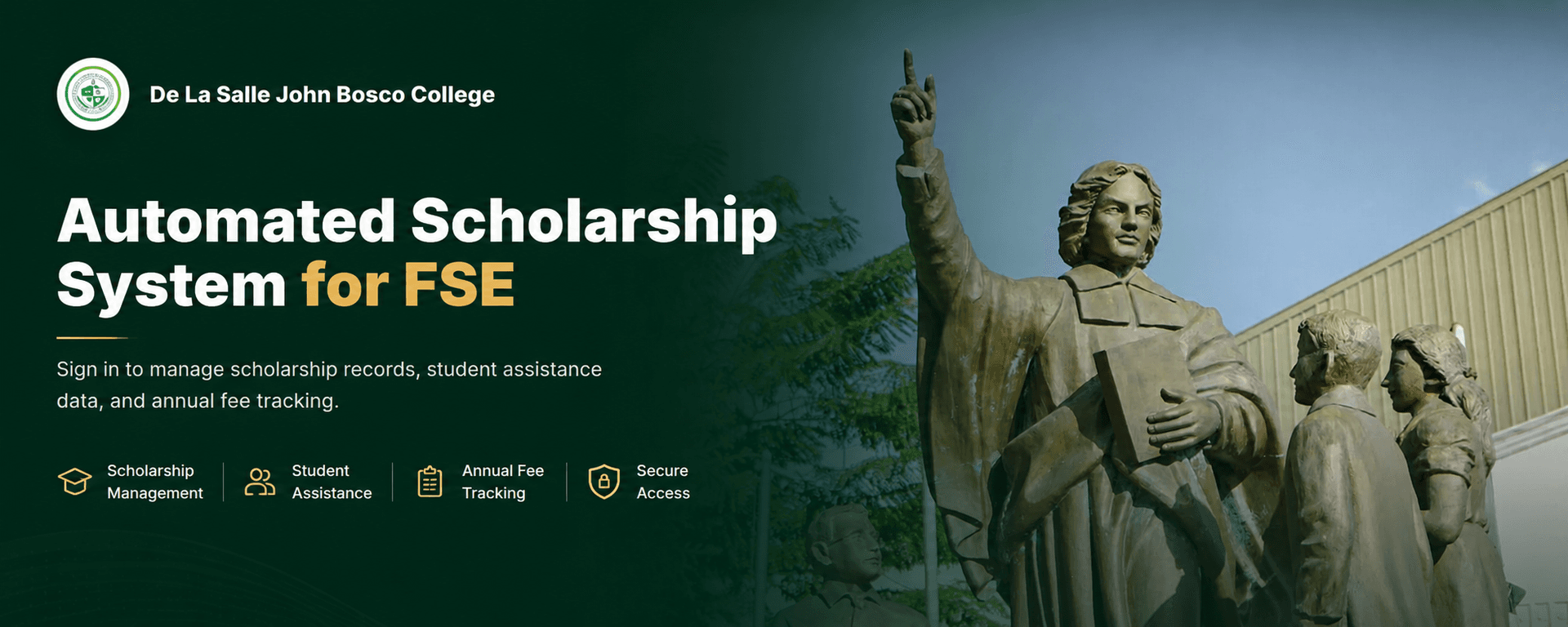
ScholarTrack
A web-based platform for administrators who manage student records, scholarships, and compliance-ready reports.
Tech Stack
 Next.js
 TypeScript
 PostgreSQL
 Prisma
 Tailwind CSS
 Shadcn UI
README
ScholarTrack
Scholarship management, fee tracking, and reporting for academic institutions.





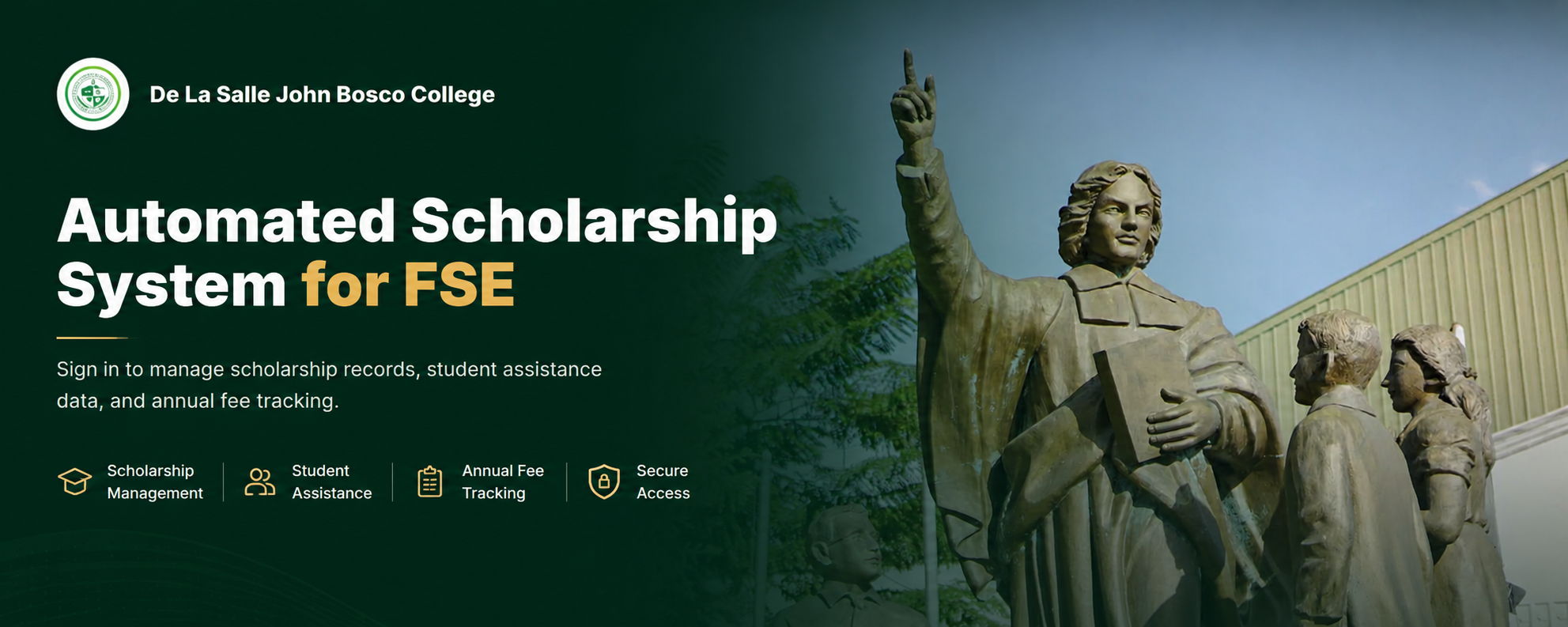
ScholarTrack is a web-based platform for administrators who manage student records, scholarship assignments, academic-year fees, disbursements, and compliance-ready reports — all in one workspace with role-based access control.
Key Features
| Module | Description |
|---|---|
| Dashboard | Central overview of student counts, scholarship distribution, financial summaries, and recent activity |
| Students | Manage student profiles, scholarships, fee records, graduation status, and archival state |
| Scholarships | Configure scholarship programs, coverage rules, subsidy amounts, and eligibility |
| Academic Years | Organize records by academic year and semester for clean financial workflows |
| Fee Management | Record tuition, miscellaneous, laboratory, and other fees with automatic subsidy calculations and annual aggregation |
| Disbursements | Track scholarship payments linked to students, programs, and academic periods |
| Reports | Detailed student scholarship reports with annual aggregated fee data |
| Comparative Data | Five-year scholarship comparison with funding trends, beneficiary counts, and scholarship load analysis |
| Exports | Export reports in PDF, XLSX, and CSV formats |
| RBAC | ADMIN, STAFF, and VIEWER roles with permission-aware screens and API protection |
Reports
The Reports page (/reports) provides a detailed student scholarship report organized by grade level and scholarship type. It features:
- Annual aggregated fee data — tuition, miscellaneous, lab, other fees summed across all semesters
- Subsidy and EFC calculations — computed from annual totals for accurate year-round assessment
- Semester count badges — indicates how many semesters are included per student
- Filters — by grade level, academic year, and funding source (internal / external / all)
- Refresh — manual refetch to reflect recent edits
Reports can be exported in PDF, XLSX (Excel), or CSV format.
Comparative Data
The Comparative Data page (/scholarship-flow) provides a five-year scholarship comparison view:
- Awarded vs. Disbursed — side-by-side funding bars with beneficiary trend lines
- Scholarship Load — breakdown of single vs. multiple scholarship students
- Year-by-year cards — per-year awarded/disbursed amounts with internal/external source splits
- Top scholarship types — horizontal bar chart of the most active programs
- Multi-scholarship students — detailed panel of students carrying multiple awards
- Filterable — by academic year window, education level, and funding source
Export Output
ScholarTrack supports three export formats:
| Format | Description |
|---|---|
| Print-ready reports with tables and formatting (jsPDF + autoTable) | |
| XLSX | Structured Excel workbooks — detailed student reports and summary by grade level (ExcelJS) |
| CSV | Comma-separated values for spreadsheet or data analysis tools |
Export endpoints are available for:
- Detailed student scholarship report (
/api/export/students) - Summary by grade level (
/api/export/summary)
Documentation
| Document | Description |
|---|---|
| Setup Guide | Installation, environment variables, scripts |
| Technical Reference | Architecture, tech stack, DB schema, RBAC, performance, deployment |
| Architecture Overview | System architecture diagrams |
| Annual Fee Aggregation Guide | Multi-semester fee aggregation |
| Feature Location Guide | Where to find UI features |
| Entity Relationship Diagram | Database visualization |
License
See LICENSE for details.
Last updated: August 22, 2026